Five tabs, one live feed
From Raw Results to a Decision: Using the Five AviatorTrends Tabs
Most players experience Aviator one round at a time. After a few minutes, memory is a bad dataset. The dashboard splits the same live feed into five views. None of them can reveal Spribe’s hidden seed. Together they beat impulse.
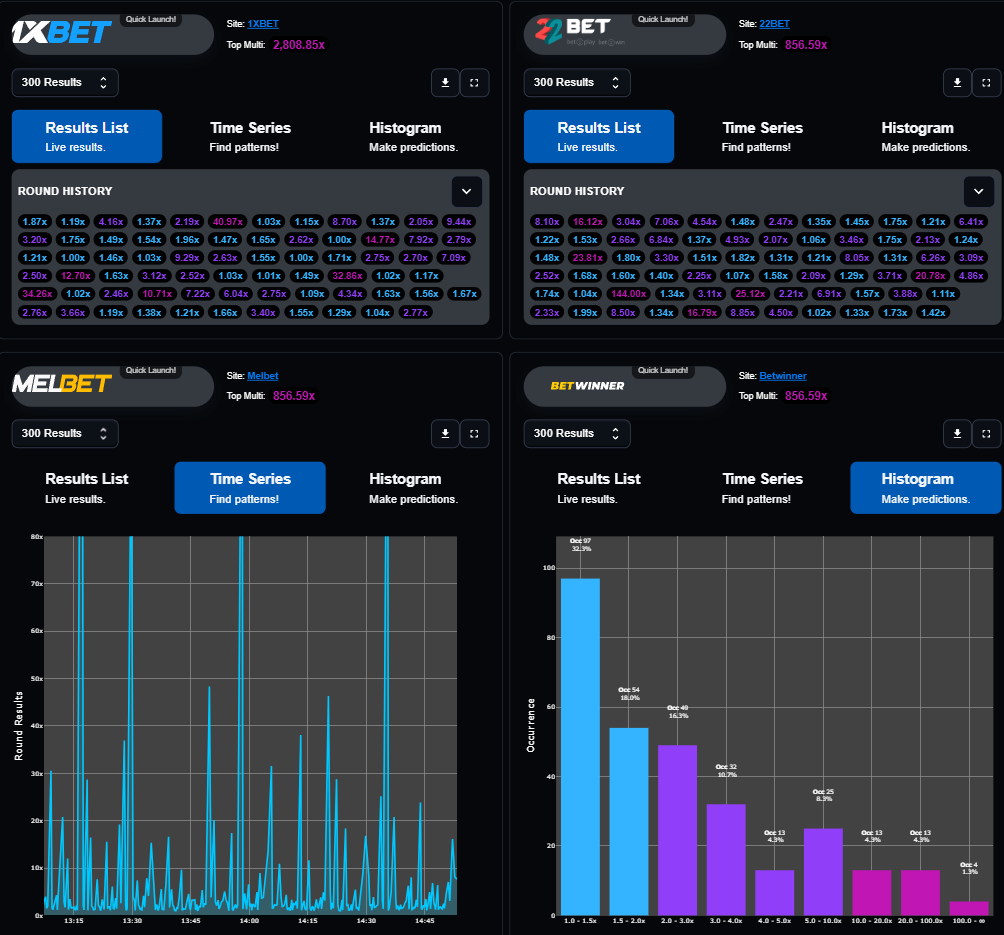
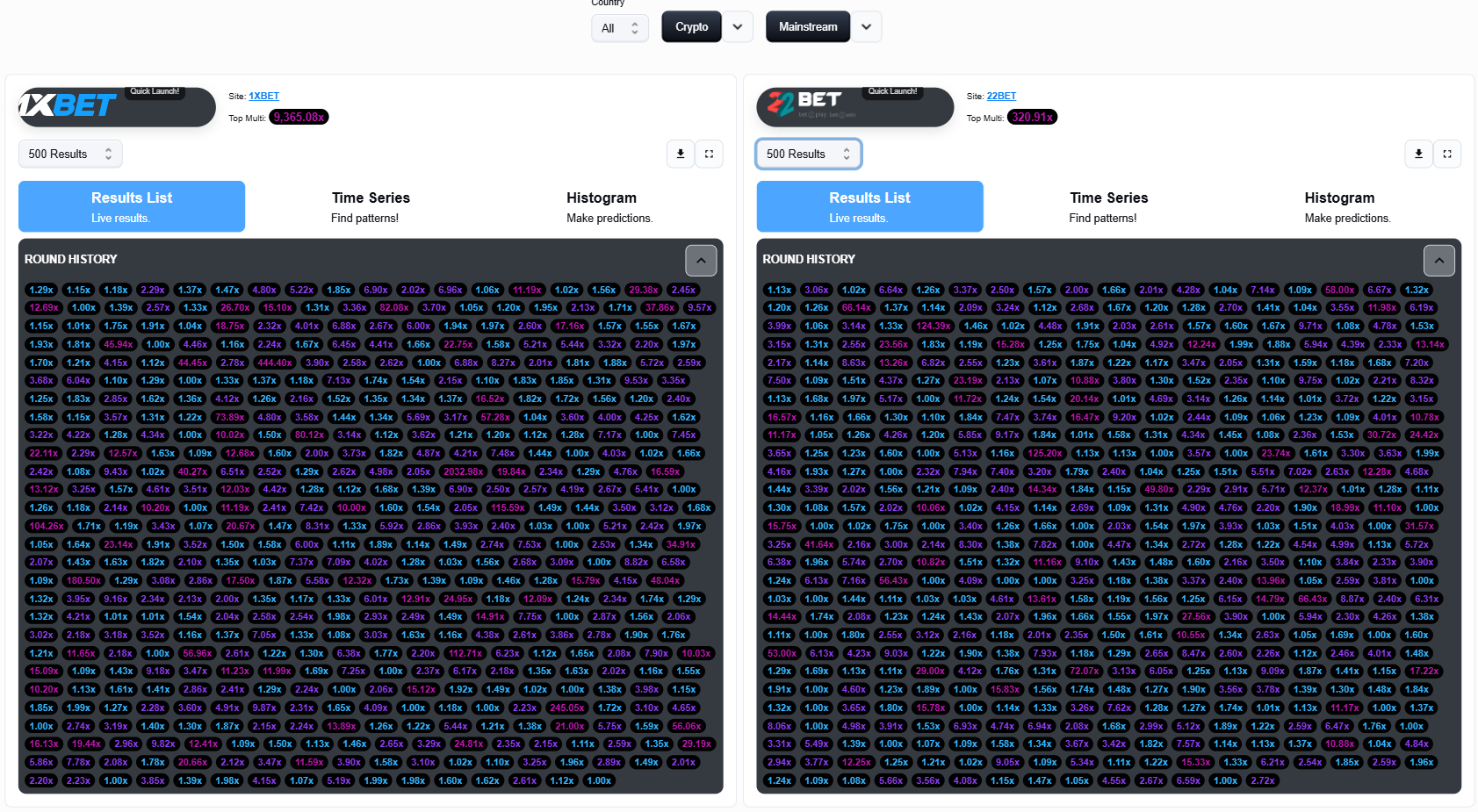
1. Results List
See consecutive lows, isolated highs, clusters, the current top multiplier and differences between supported feeds. Change the window. A pattern that dies at 300 points was probably a small sample.
2. Live AI Forecast
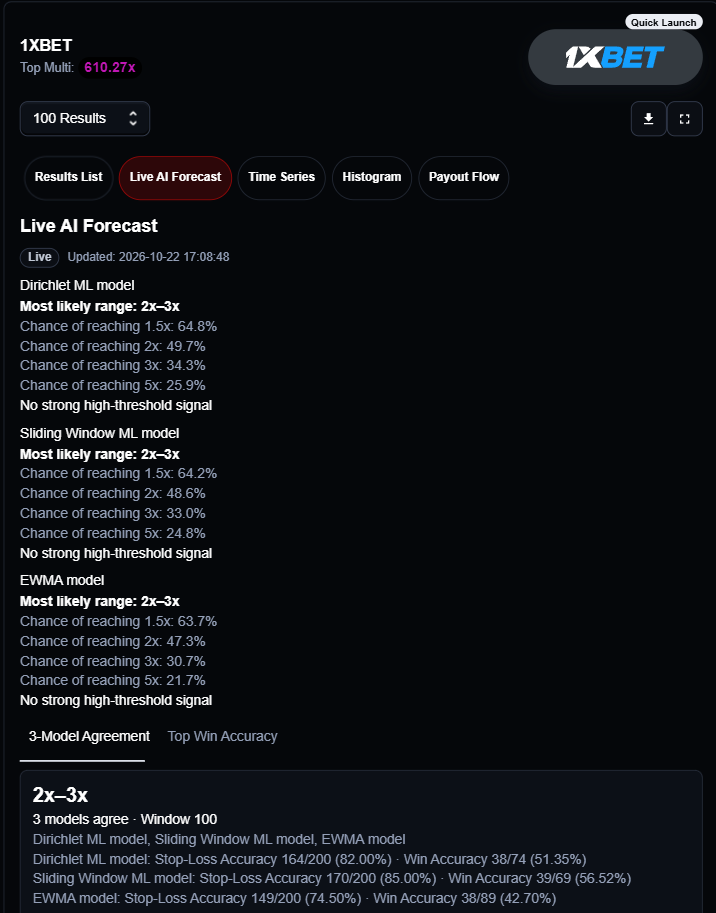
Compare model agreement, likely range, threshold chances, Stop-Loss Accuracy, Win Accuracy and sample counts. The flashiest percentage is not automatically the best row. Check the range, the denominator, Live versus Cached, and whether other models agree.
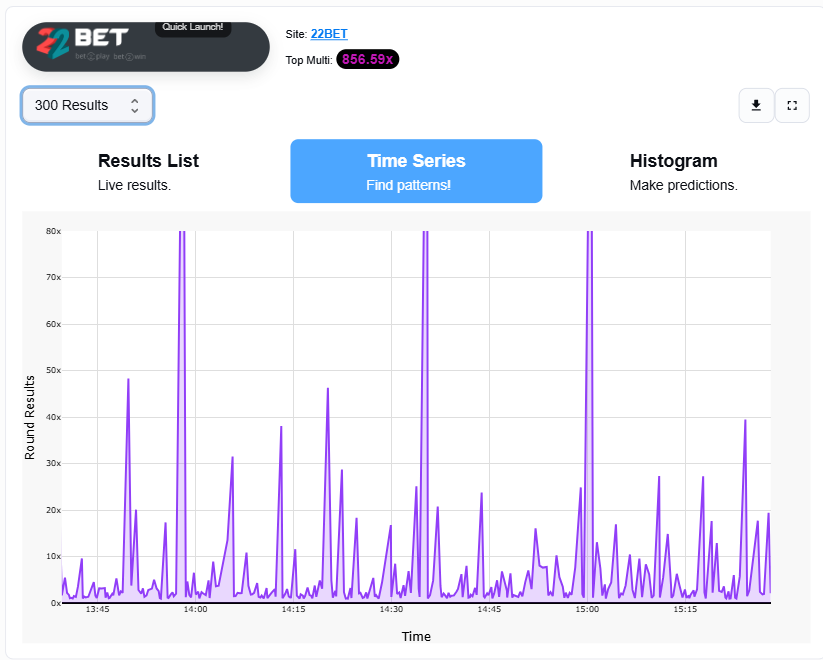
3. Time Series
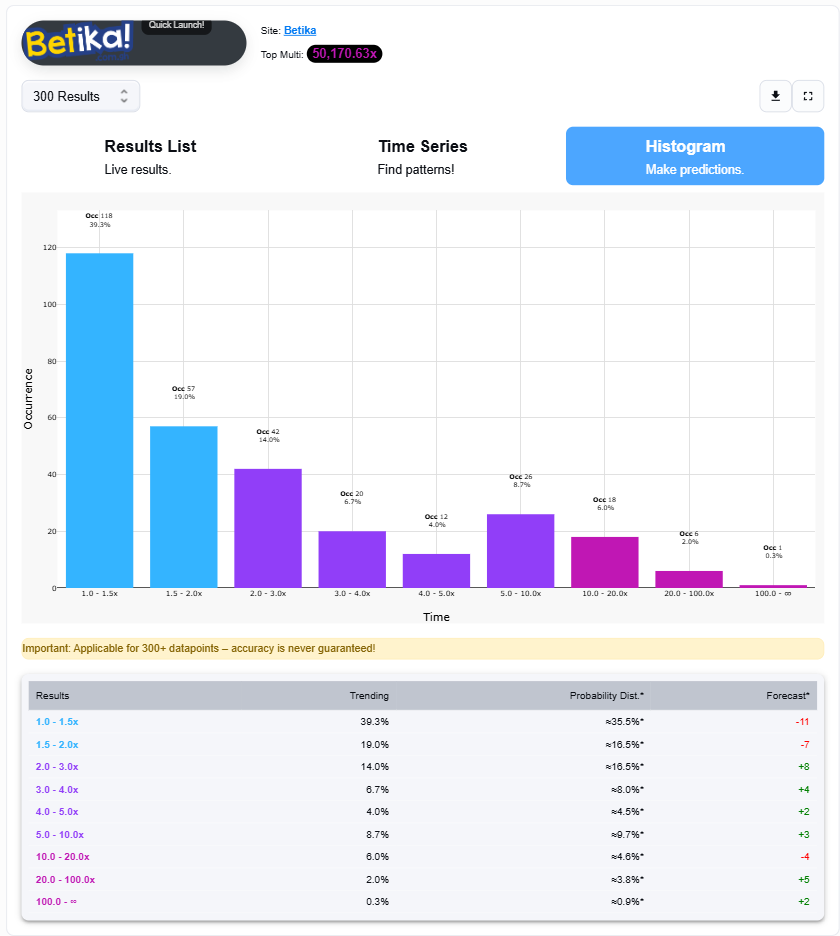
4. Histogram
5. Payout Flow
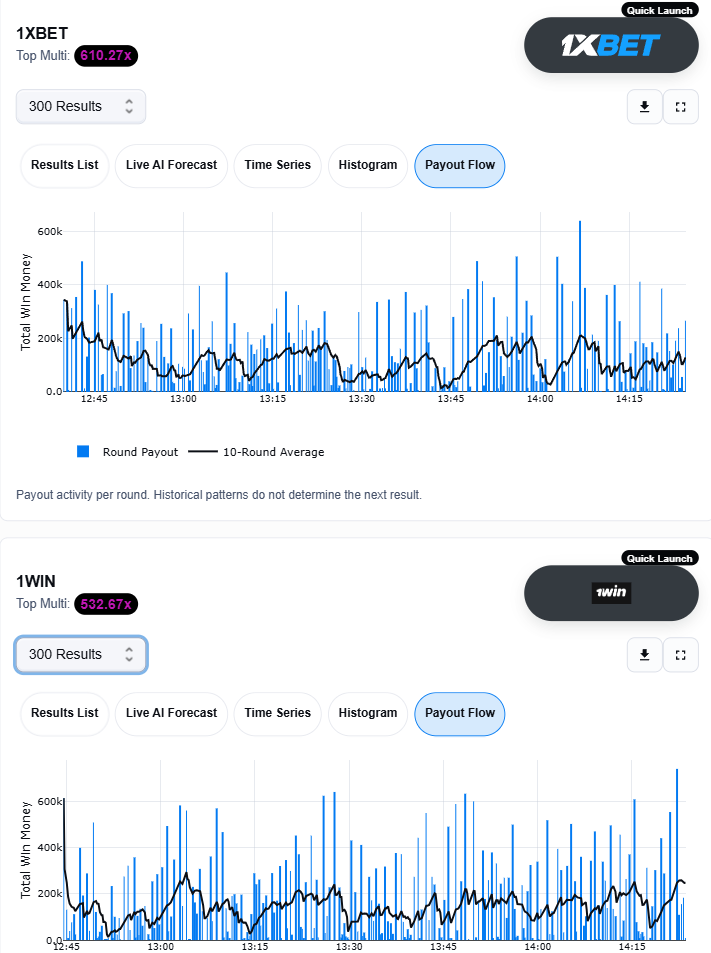
A high multiplier is not the same as a large total payout. Stakes, cash-out timing and how many players entered all matter. The rolling average adds context.
Watch the slope. You can actually tell when payout activity is rising or dropping. A climbing line is a hotter session in the data you already have. A fading line is cooling. That still does not determine the next result.
A five-minute workflow
- Pick one casino feed
- Start at 300 results
- Mark unusual events in the list
- Check spacing on Time Series
- Compare Histogram with the reference
- Read model ranges and sample counts
- Glance at Payout Flow
- Set a budget — or skip the round
- Results List: what happened
- Forecast: what the models estimate
- Time Series: when it happened
- Histogram: how the sample is distributed
- Payout Flow: how much payout activity occurred
Open the dashboard on AviatorTrends or see Extended Data Access on /plans.
More guides
Read also Master Spribe Aviator and Crash Games with AviatorTrends